Better web fetching for agents.
- 🔐 Browser-like TLS/SSL + HTTP fingerprints — better success on bot-defended pages
- 🧹 Defuddle extraction — clean readable content instead of noisy HTML
- 🧠 Useful metadata — title, author, site, language, published date when available
- 📦 Downloads + large file support — stream attachments and binaries to temp files
- 🔁 Client-side
<meta>redirects — follows sane meta refresh redirects with loop limits - 🔗 Alternate content fallback — when extraction produces no/thin content, follows qualified
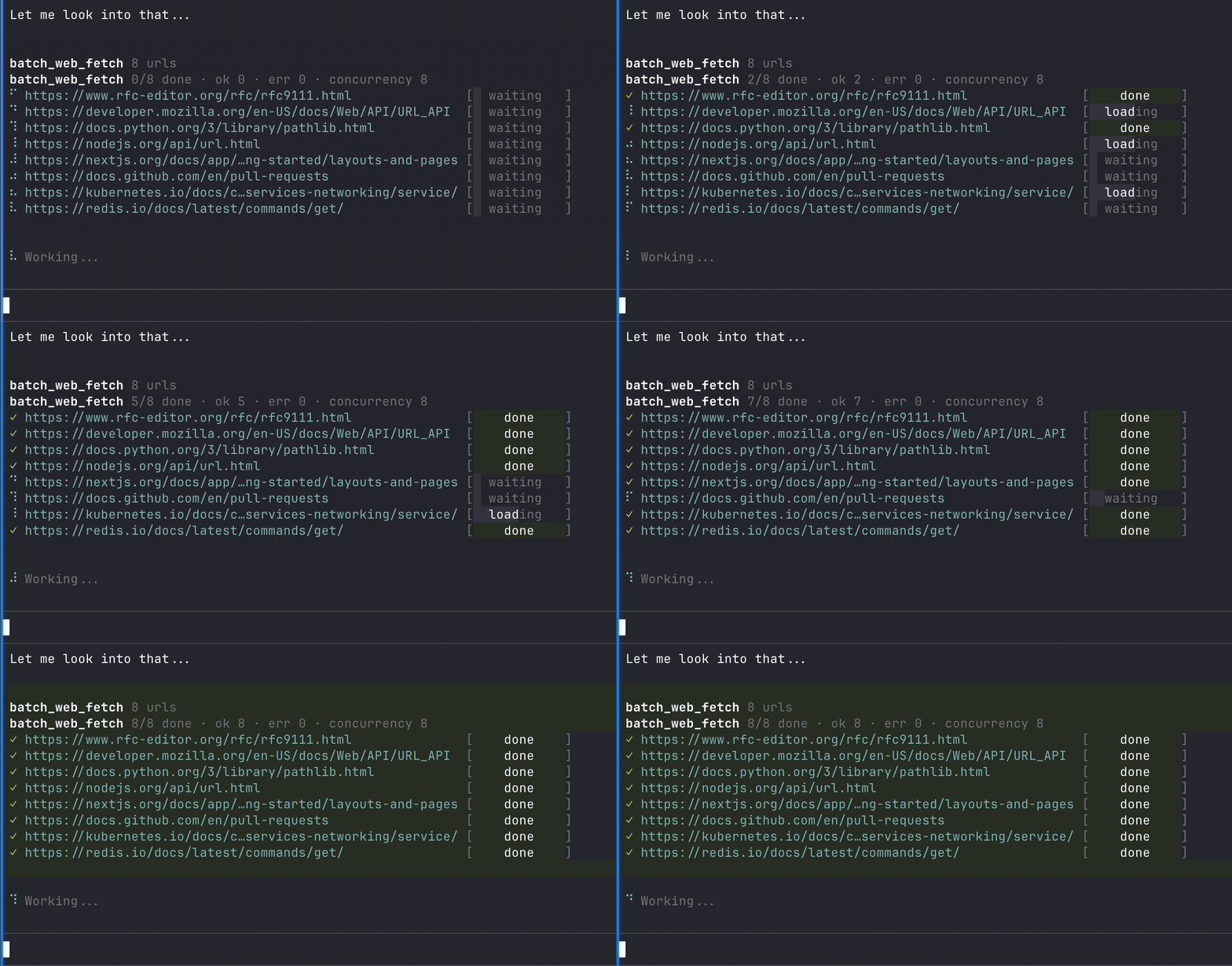
<link rel="alternate" type="...">entries in<head>that match the requested output format - ⚡ Batch fetch — fetch many URLs with bounded concurrency
- 📝 Multiple output formats —
markdown,html,text,json,raw
Smart Fetch CLI. Install globally and use smart-fetch (or sf) from the terminal.
npm install -g @thinkscape/smart-fetch
sf https://example.comSmart Fetch for pi.dev.
Registers:
web_fetchbatch_web_fetch
Smart Fetch for OpenClaw.
Registers:
smart_fetchbatch_smart_fetch
This repo is a Bun monorepo.
Install dependencies:
bun installRun the workspace:
bun run test
bun run build
bun run check
Run package-specific commands:
bun run test:core
bun run test:pi
bun run test:openclaw
bun run test:cli

bun run build:core
bun run build:pi
bun run build:openclaw
bun run build:cli
Integration tests:
bun run test:integrationInstall the local pre-commit hook:
bun run hooks:installVersioning is global across the monorepo.
Bump all package versions together:
bun run version:patch
bun run version:minor
bun run version:major
Create a release commit and tag:
bun run releaseLocal manual publish commands:
bun run publish:pi
bun run publish:openclaw
bun run publish:cli
bun run publish:all
Note: development uses Bun, but CI publishing still uses npm publish so npm Trusted Publishing works correctly.
- GitHub:
https://github.com/Thinkscape/agent-smart-fetch