


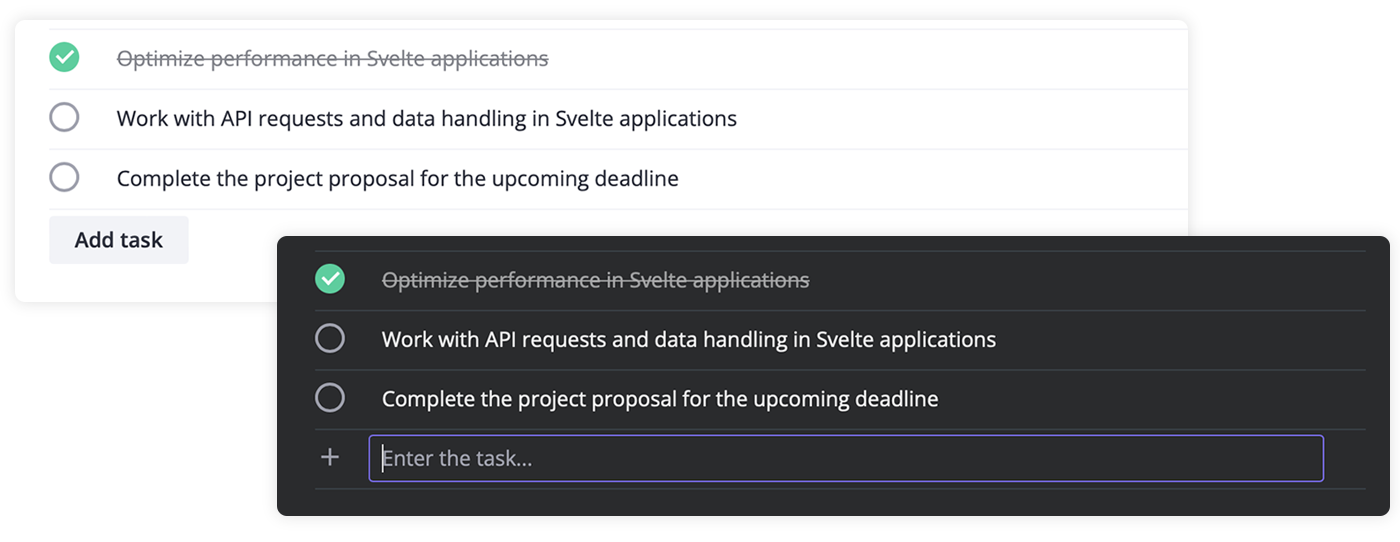
SVAR Vue Tasklist is a Vue UI component that let users easily add, edit, delete, and mark tasks as completed. It comes with full TyprScript support and provides flexible event handling, letting you track and respond to task additions, updates, or deletions.
The Tasklist component is fully compatible with Vue 3.
Along with the Tasklist library, you can use the following SVAR Vue components to build a unified app interface:
- Core - a collection of customizable Vue UI components and form controls;
- Menu - create basic menu bar, actions or context menu;
- Tasklist - basic to-do list component to add, edit, check or delete tasks;
- Comments - nice-looking comments section with bubbles or flow views;
- File uploader - simple file uploader component.
To start using the Tasklist component, simply import the package and include the desired component in your Vue file:
<script setup>
import { Tasklist } from "@svar-ui/vue-tasklist";
import "@svar-ui/vue-tasklist/all.css";
</script>

<template>
  <Tasklist />
</template>
See the detailed guide to quickly set up and begin using SVAR Tasklist components in your Vue projects.
Post an Issue or use our community forum.